
We support the whole business, 360°. See it in client work_
The website is only the surface. For every case study we show the scope of work, each element and automation we implemented, and recordings of it in action.
- Strategy
- Website and shop
- Sales and marketing
- Automation
- CRM
- Finance
- HR
- AI
Case studies in numbers
- case studies
- 18
- industries
- 11
- elements implemented
- 120
- automations in use
- 45
- recordings
- 33
Case studies: thumbnails
18 case studies · click a thumbnail to see what we implemented
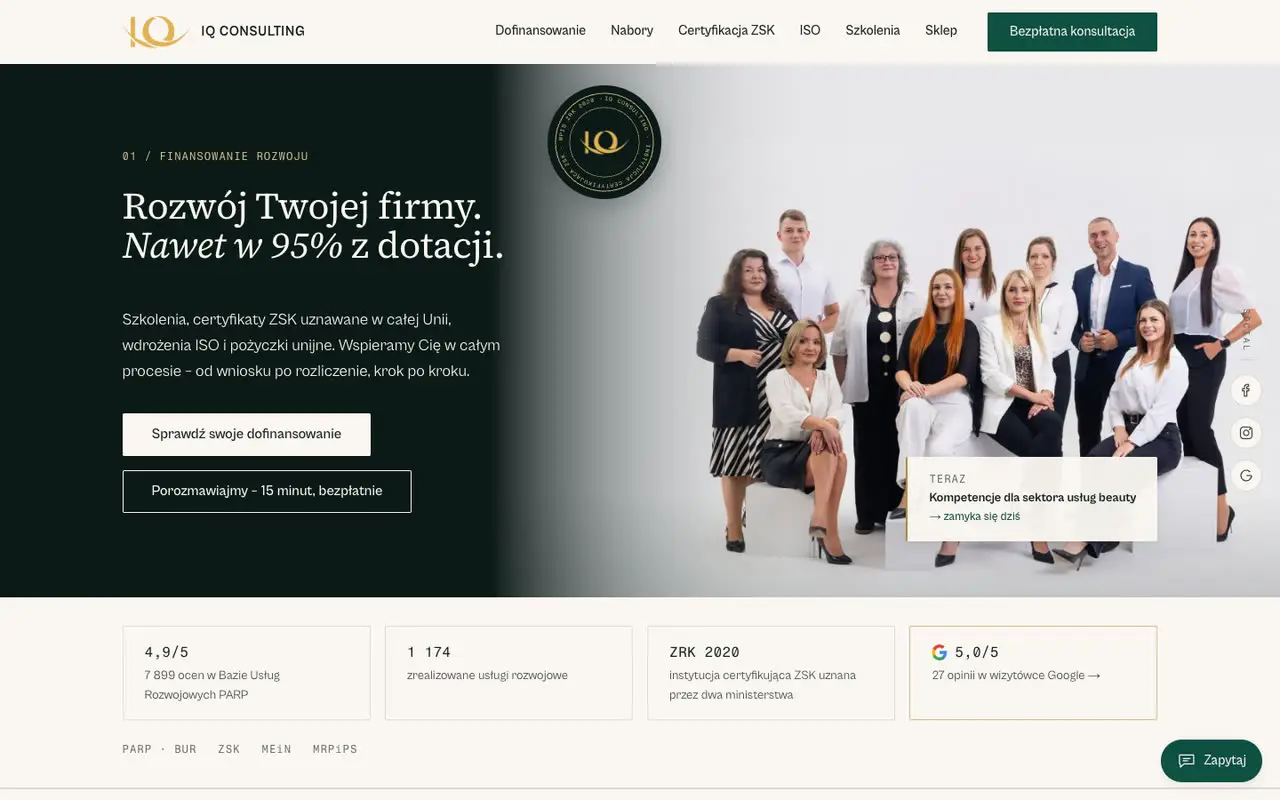 0122 items deliveredIQ Consultingiq-consulting.pl
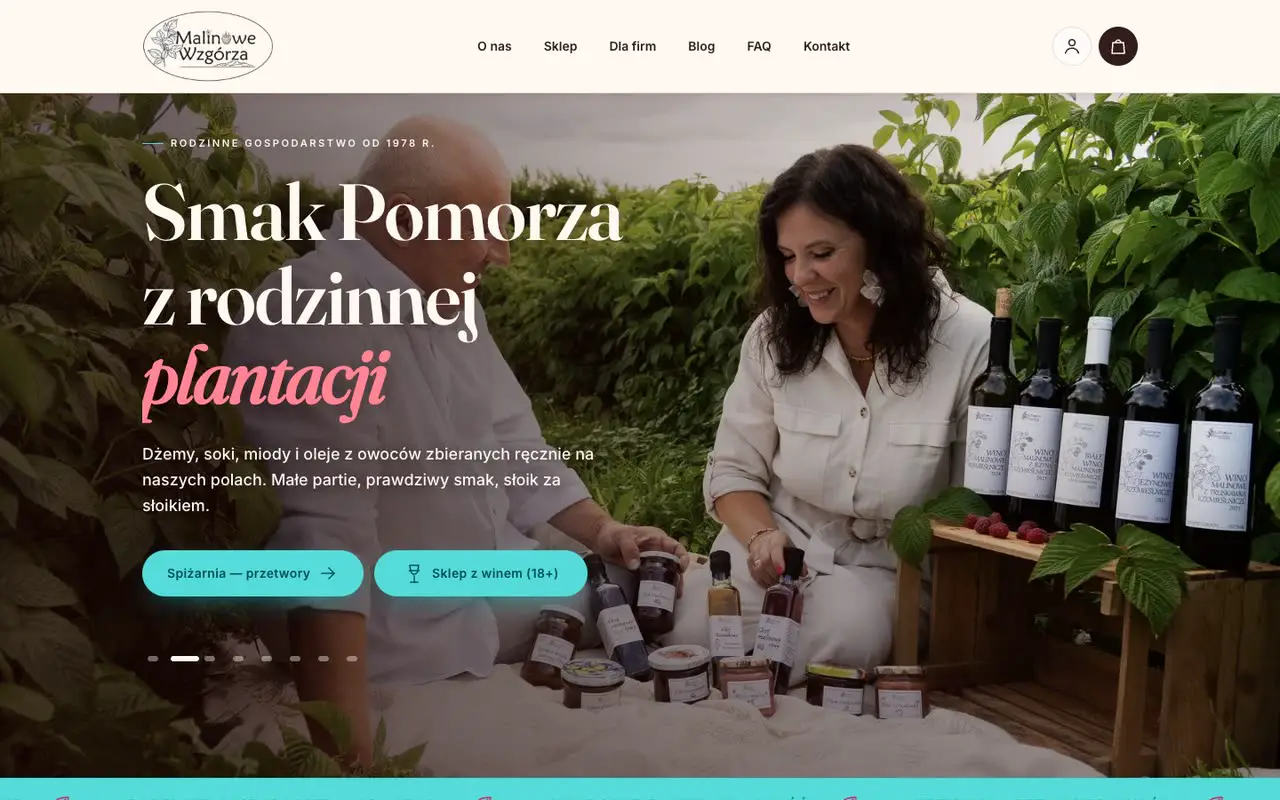 0216 items deliveredMalinowe Wzgórzamalinowe-wzgorza.pl
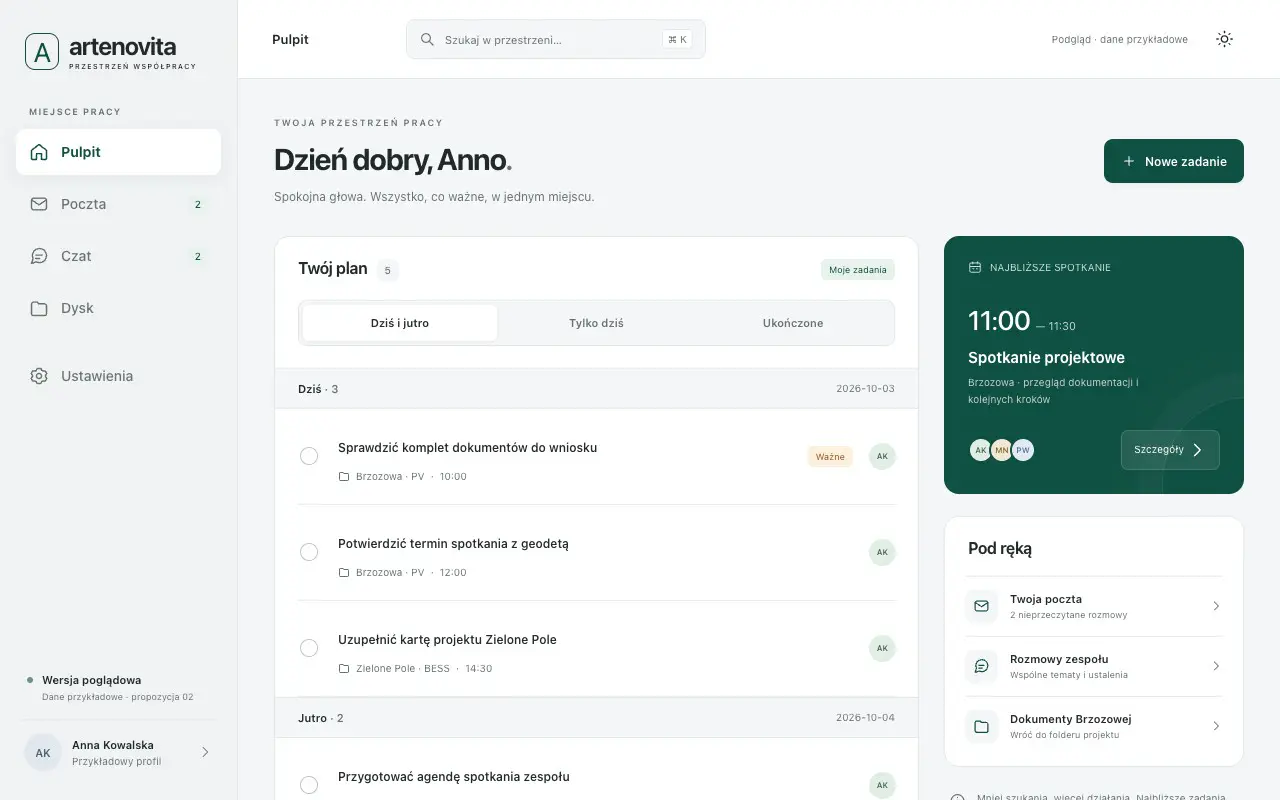 0316 items deliveredArtenovitaRenewable energy project companies
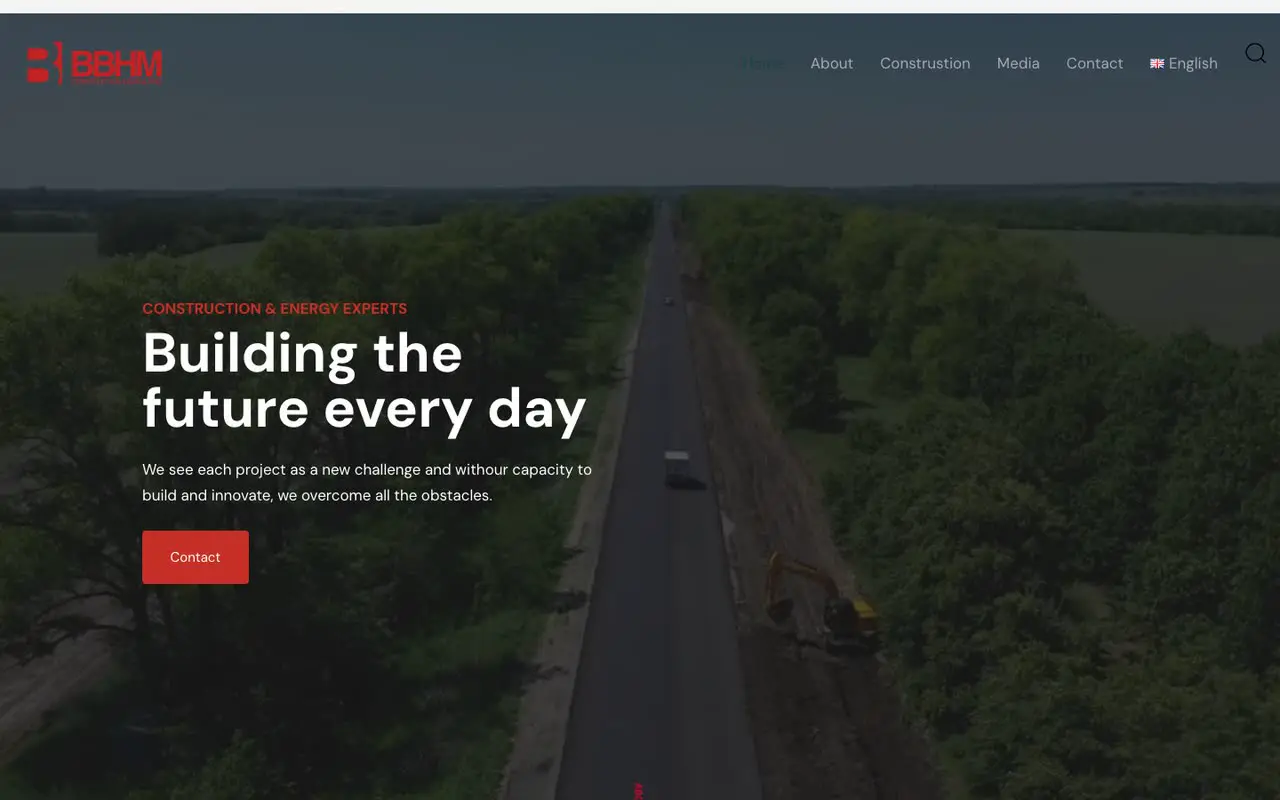 0413 items deliveredBBHMbbhm.eu
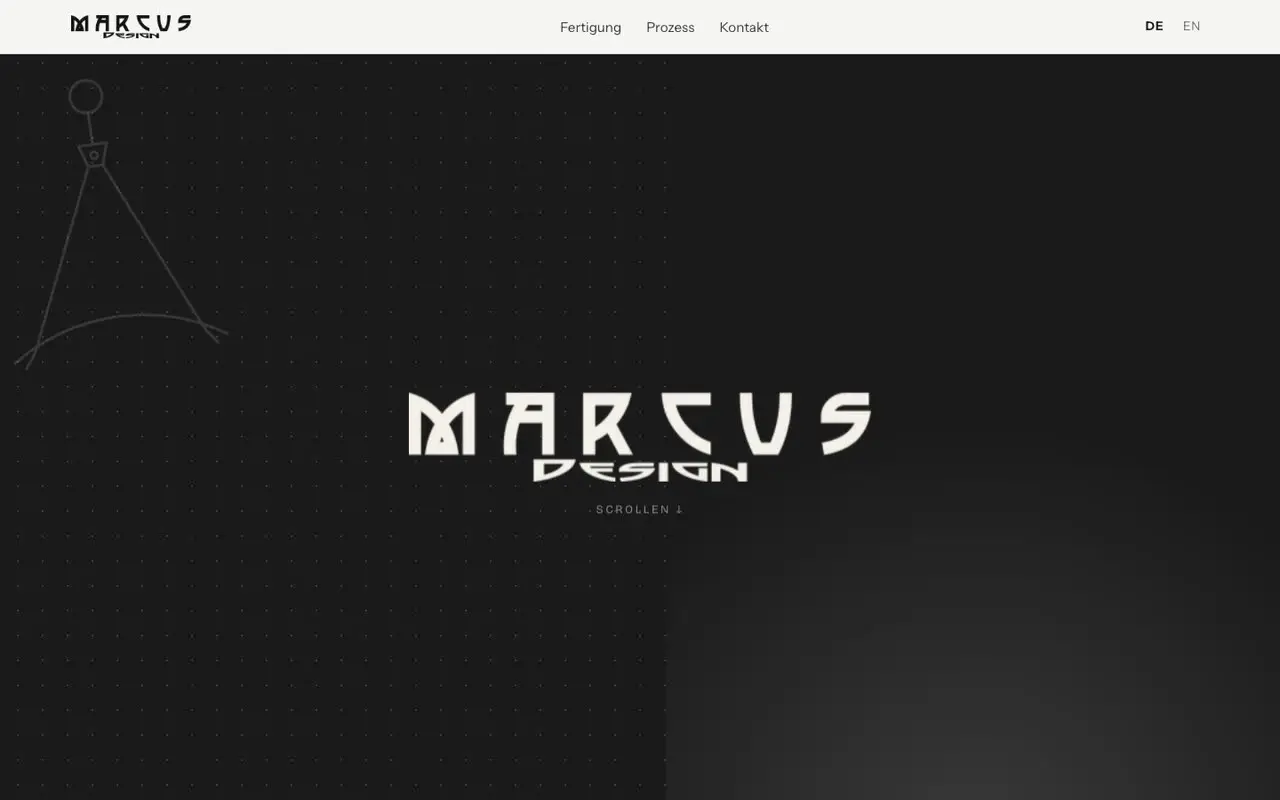 0512 items deliveredMarcus Designmarcusdesign.eu
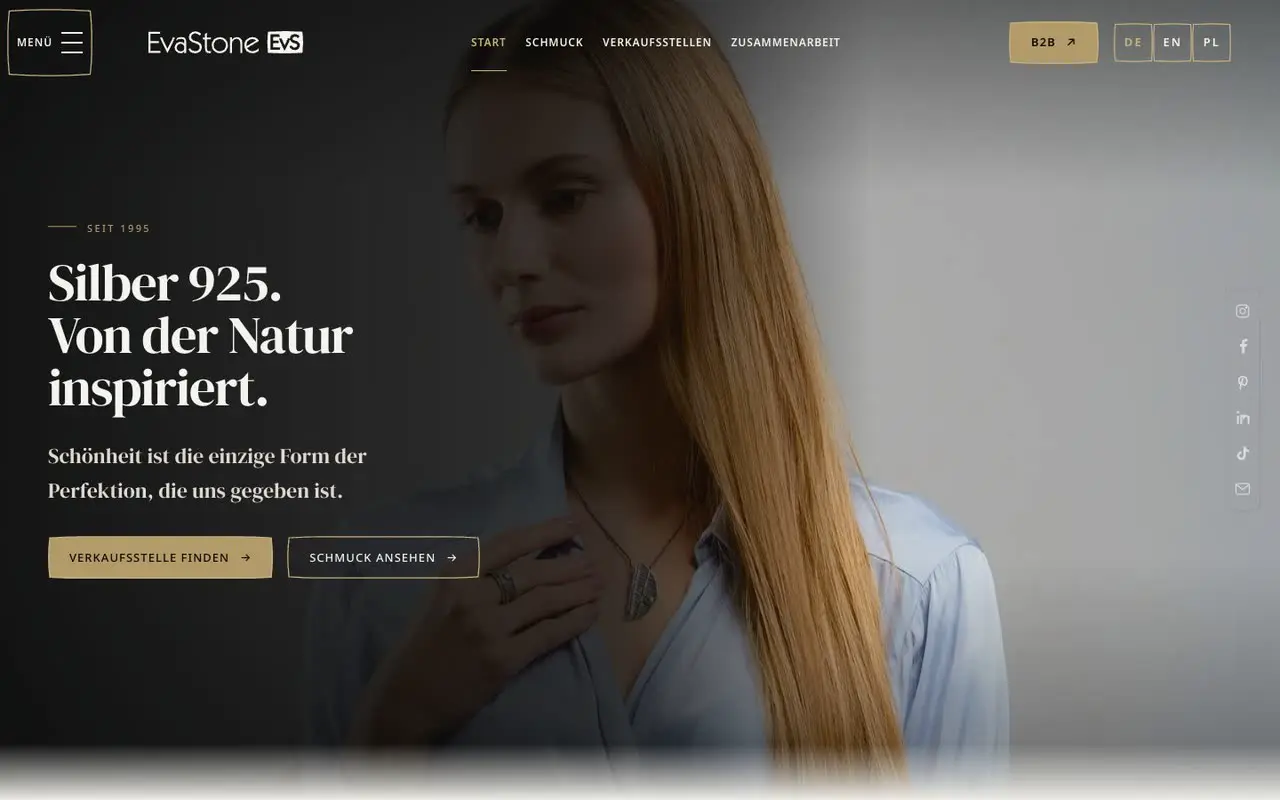 0610 items deliveredEva Stoneevastone.eu
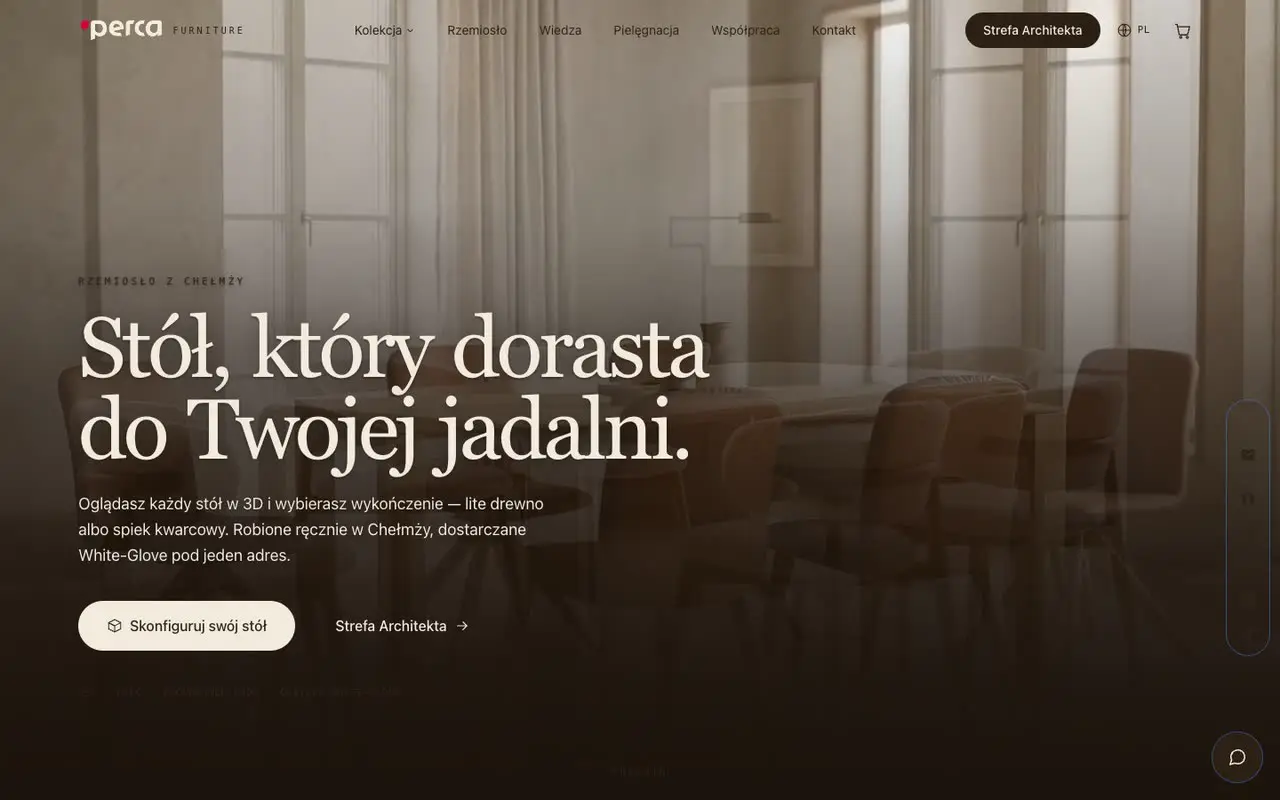 079 items deliveredPerca Furniture
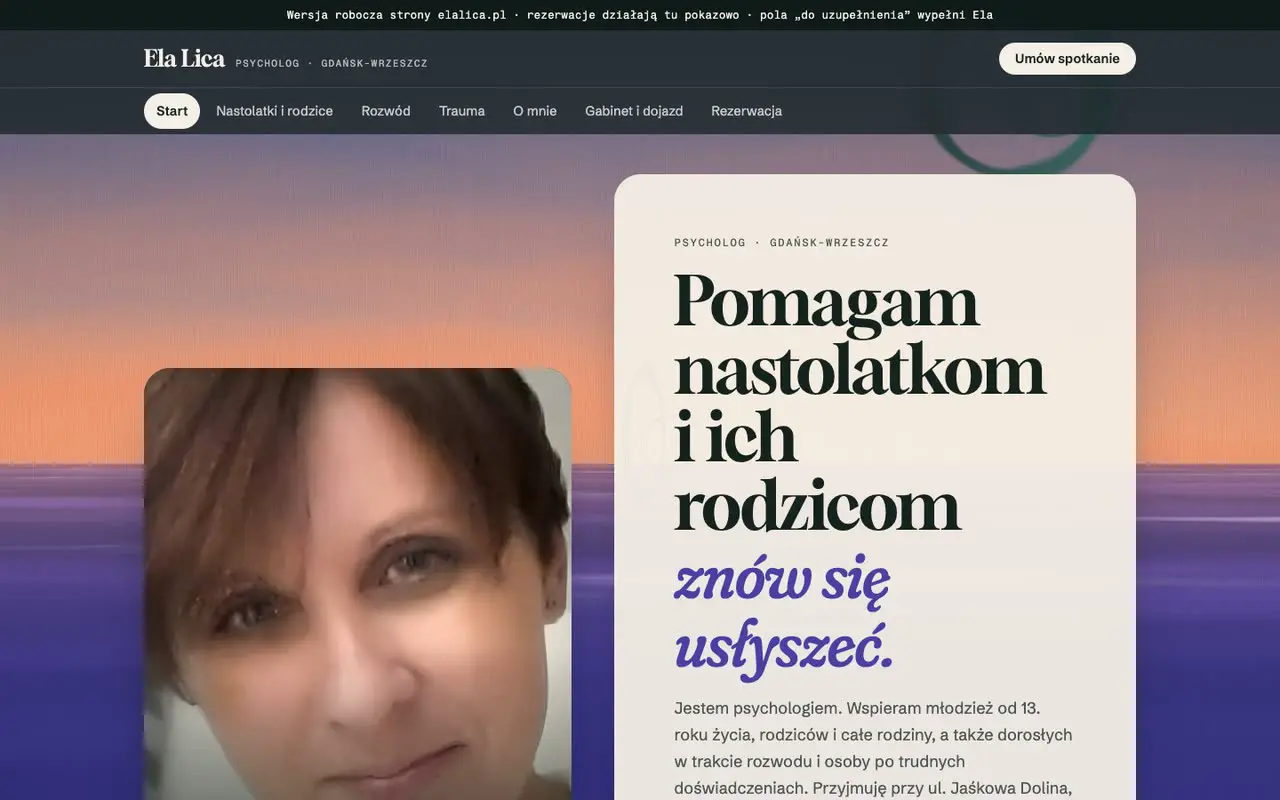 087 items deliveredPsychologist Elżbieta Licaelalica.pl
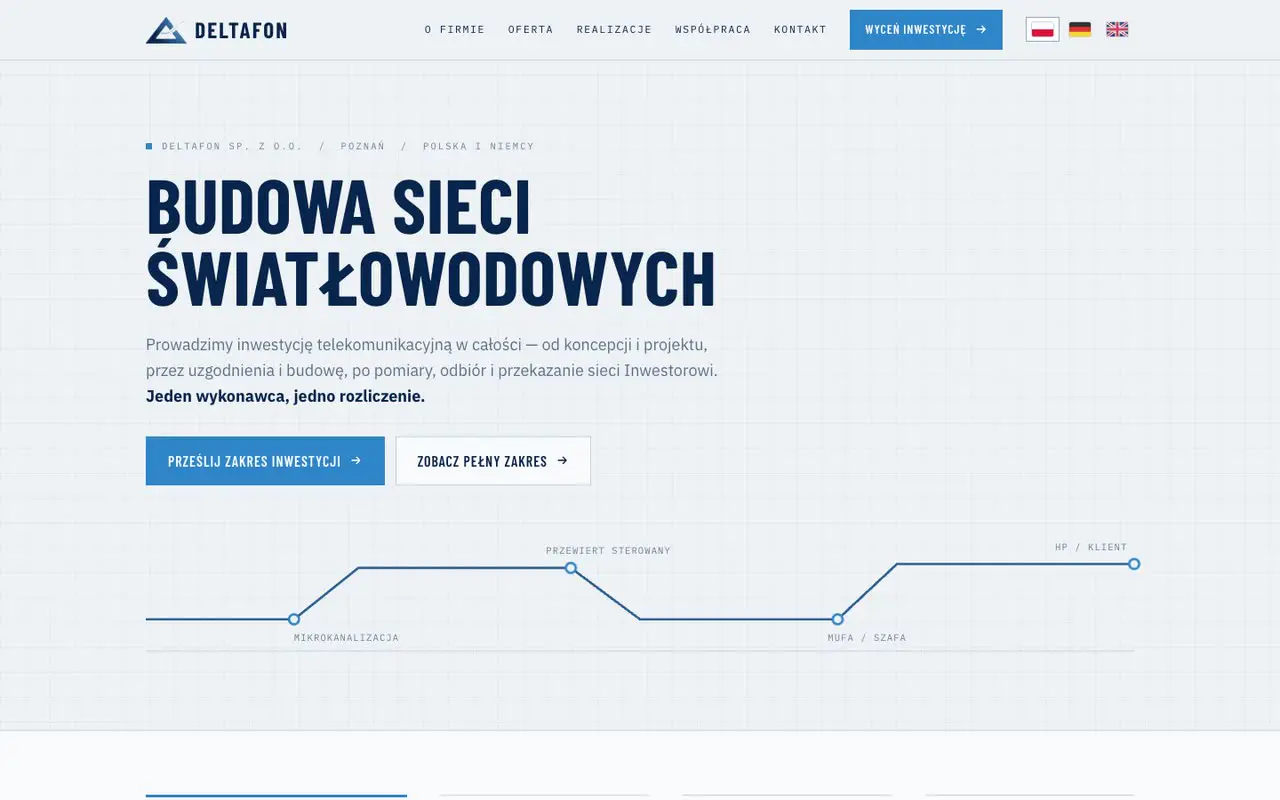 097 items deliveredDeltafonFibre network contractor (FTTH) in Poland and Germany
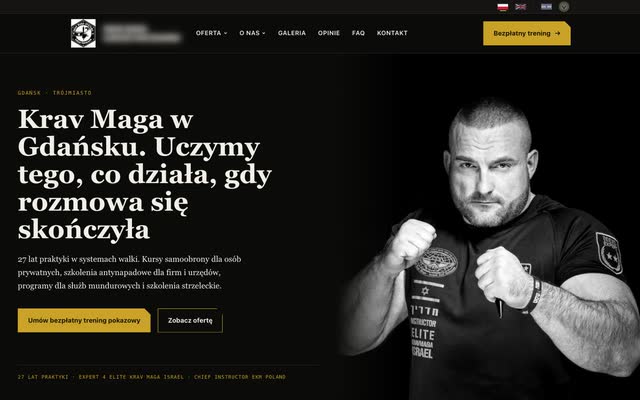 105 items deliveredKrav MagaSelf-defence and Krav Maga school in Gdańsk, with individual courses and training for companies and institutions
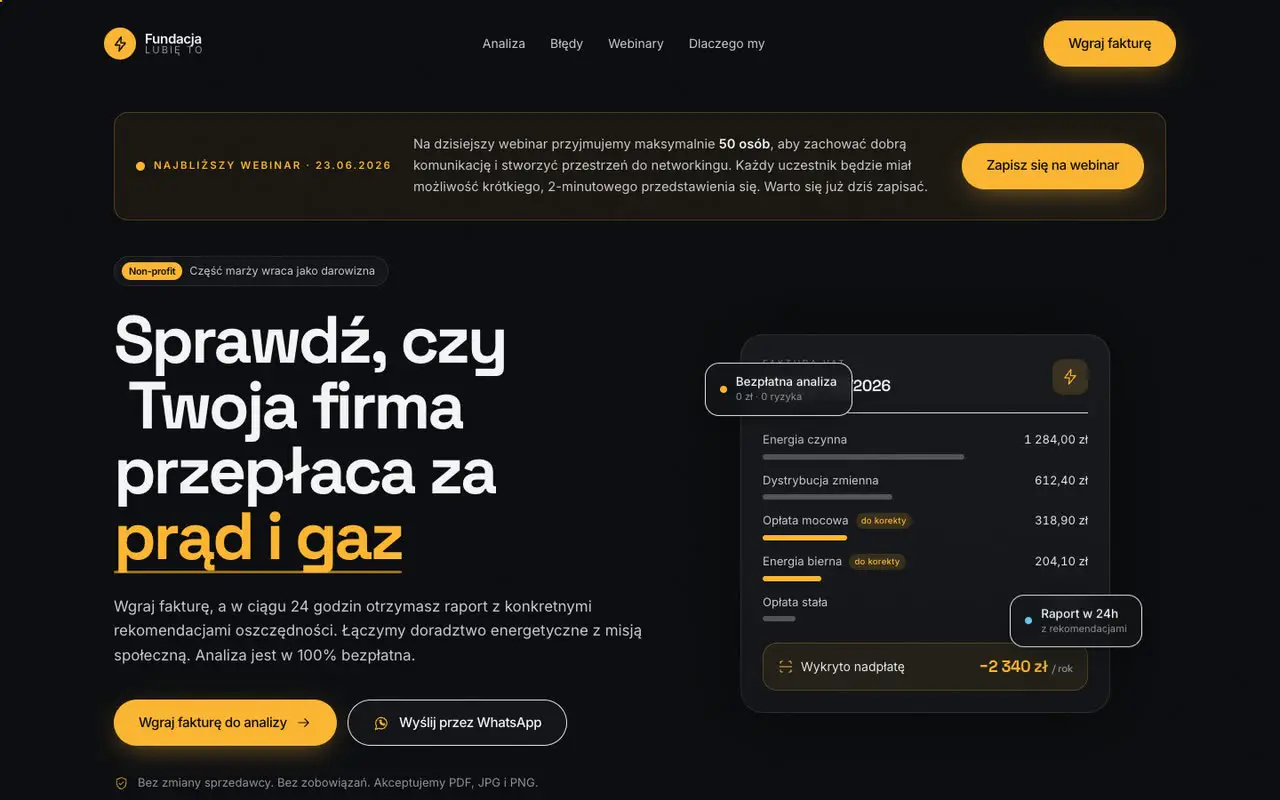 114 items deliveredFundacja "Lubię To"bizneslubieto.org
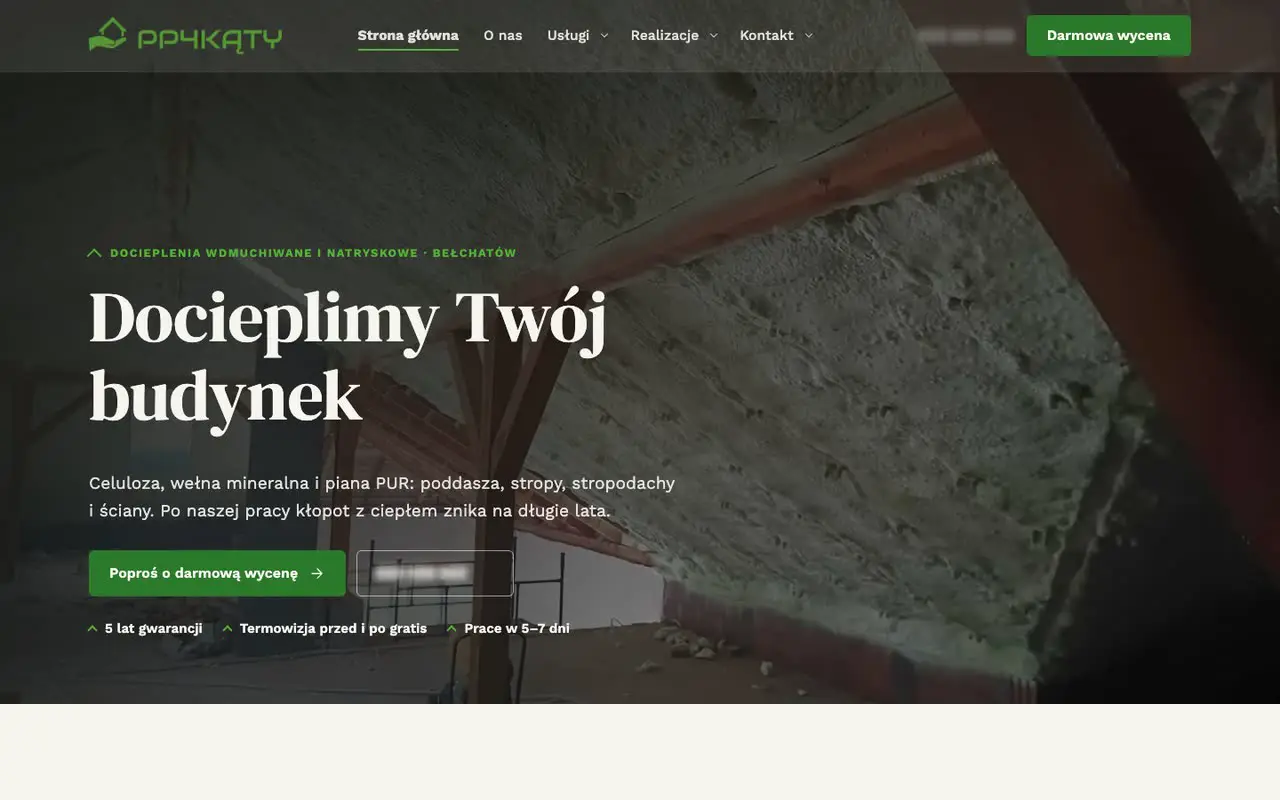 124 items deliveredPP4Kąty: insulationdocieplenia4katy.pl
- Fundacja AIDEM13Fundacja AIDEMA Gdańsk foundation that makes films about the history of Gdańsk and the Hanseatic cities
- KBS Mońki14KBS Mońki
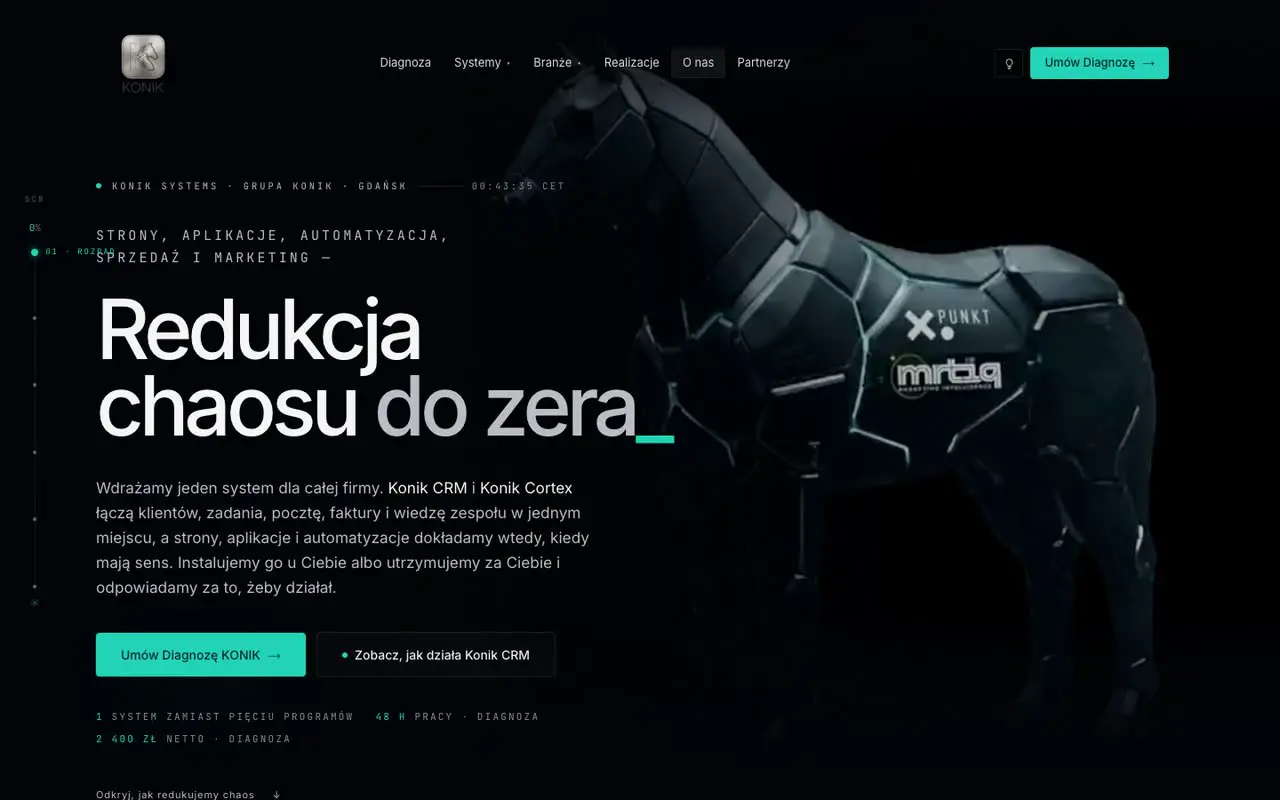 1514 items deliveredKonik Systemkoniksystem.com
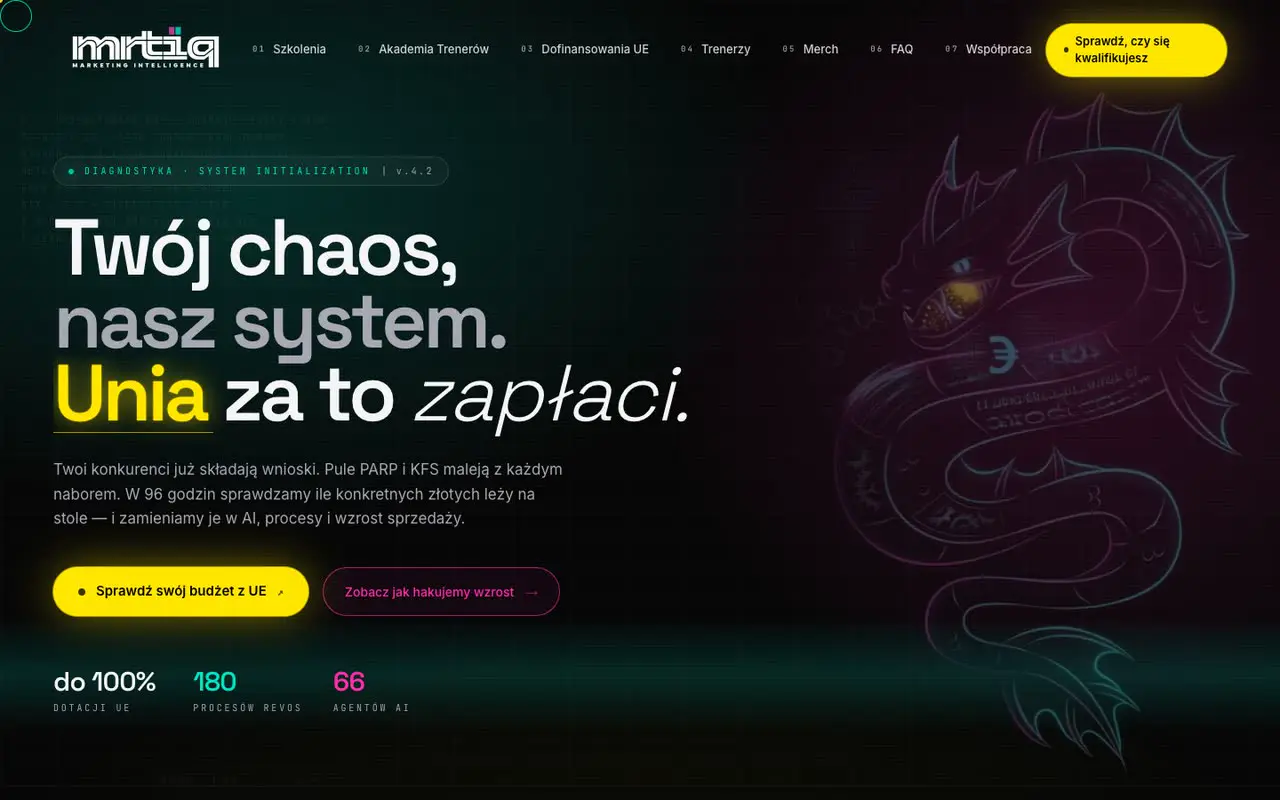 1613 items deliveredmrtiqmrtiq.pl
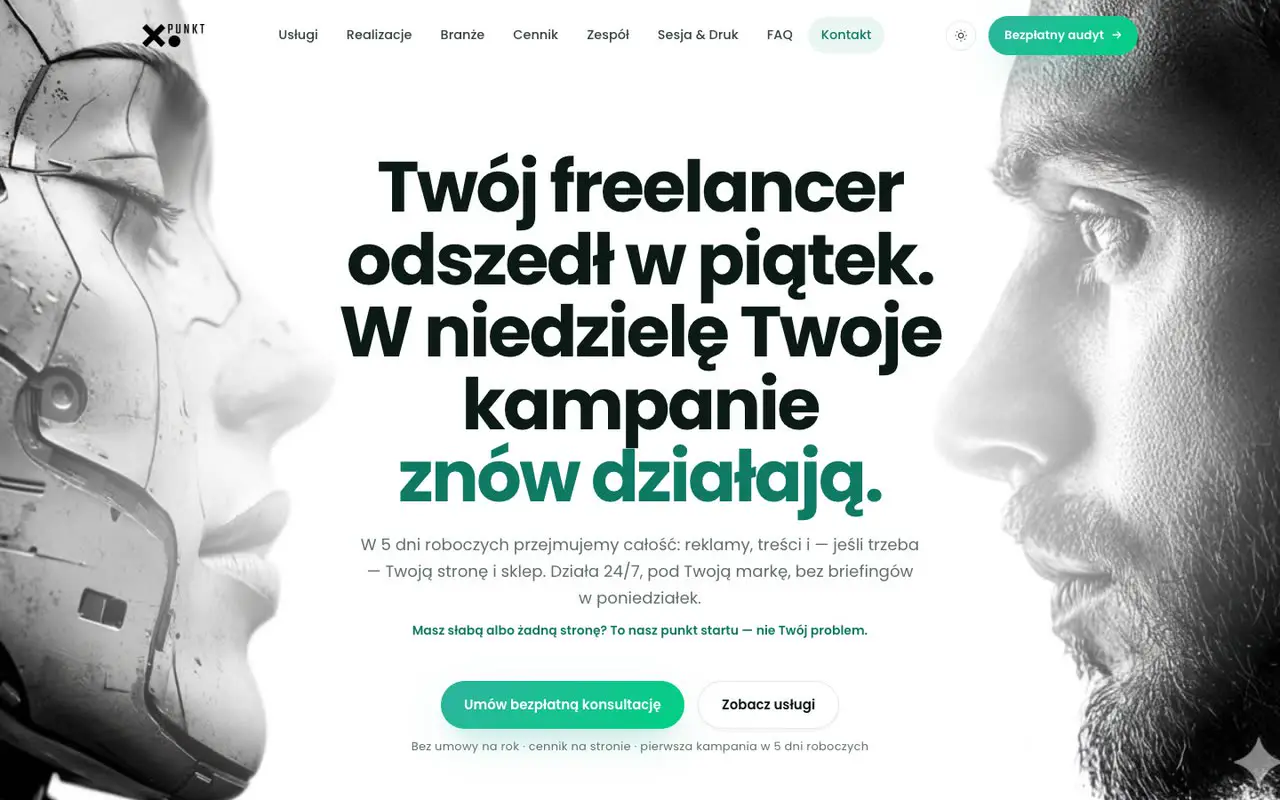 178 items deliveredXpunktxpunkt.pl
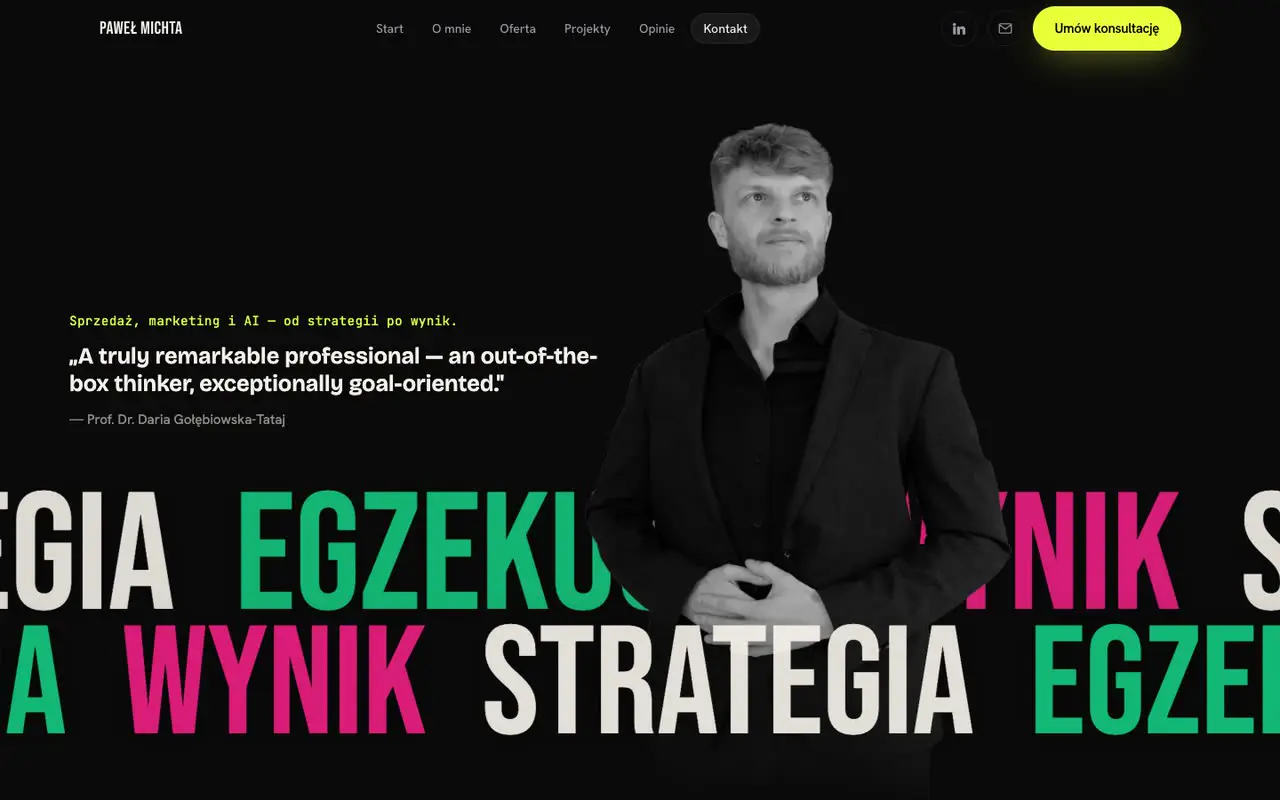 185 items deliveredpmichta.compmichta.com
Choose a service or an industry_
Each entry opens the case study page: the scope of work, everything we implemented, automations step by step and recordings.
All 18 case studies
- 01IQ ConsultingTraining and consulting firm from Koszalin: training subsidies (BUR, KFS), certification, EU funding applicationsDesignWebsites and appsAutomation22 items delivered · 10 automations22 items delivered · 10 automations
- 02Malinowe WzgórzaFamily fruit farm (since 1978): premium preserves under the "Smak Pomorza" label and a separate wine shopDesignWebsites and appsAutomationContent and ads16 items delivered · 6 automations16 items delivered · 6 automations
- 03ArtenovitaRenewable energy project companiesWebsites and appsAutomation16 items delivered · 7 automations16 items delivered · 7 automations
- 04BBHMBroker of construction contracts (earthworks, FTTH) between Germany and Polish contractorsDesignWebsites and appsAutomation13 items delivered · 4 automations13 items delivered · 4 automations
- 05Marcus DesignManufacturer of components and upholstered furniture near Chełmża: 3D bent plywood, 5-axis CNC machining, upholstery, OEM productionDesignWebsites and appsAutomationContent and ads12 items delivered · 2 automations12 items delivered · 2 automations
- 06Eva StoneMaker of matte silver jewellery, selling B2B to shops and distributors; main market: GermanyDesignWebsites and appsAutomationContent and ads10 items delivered · 2 automations10 items delivered · 2 automations
- 07Perca FurnitureMaker of solid oak and American walnut tables and chairs (Chełmża), selling B2C and B2B to architects, with exportsDesignWebsites and appsAutomationContent and ads9 items delivered9 items delivered
- 08Psychologist Elżbieta LicaPsychology practice for teenagers and parents in Wrzeszcz, GdańskWebsites and apps7 items delivered7 items delivered
- 09DeltafonFibre network contractor (FTTH) in Poland and GermanyWebsites and appsAutomation7 items delivered7 items delivered
- 10Krav MagaSelf-defence and Krav Maga school in Gdańsk, with individual courses and training for companies and institutionsWebsites and appsAutomation5 items delivered5 items delivered
- 11Fundacja "Lubię To"A foundation that supports business owners, with free energy bill analysis, webinars and business events among other thingsDesignWebsites and appsAutomation4 items delivered4 items delivered
- 12PP4Kąty: insulationBlown-in and spray insulation company (cellulose, mineral wool, PUR foam) from BełchatówWebsites and apps4 items delivered4 items delivered
- 13Fundacja AIDEMA Gdańsk foundation that makes films about the history of Gdańsk and the Hanseatic citiesWebsites and appsAutomationWrite-upWrite-up
- 14KBS MońkiMeat processing plant from Mońki in Podlasie, a cold cuts producerDesignWebsites and appsWrite-upWrite-up
- 15Konik SystemThe technology division of KONIK Group: Konik CRM, Konik Cortex, Konik RevOS and modulesDesignWebsites and appsAutomation14 items delivered · 7 automations14 items delivered · 7 automations
- 16mrtiqKONIK Group's training brand: AI training and help with funding (BUR, KFS), Trainer AcademyDesignWebsites and appsAutomation13 items delivered · 5 automations13 items delivered · 5 automations
- 17XpunktKONIK Group's brand for local businesses: marketing and Konik SystemDesignWebsites and appsAutomationContent and ads8 items delivered · 2 automations8 items delivered · 2 automations
- 18pmichta.comPersonal brand of the KONIK Group founder: strategic advisoryDesignWebsites and appsContent and ads5 items delivered5 items delivered
The same system runs behind every case study_
Konik CRM, Konik RevOS, Auto-Quoting, Konik Tax and Konik Lex, shown on our own systems with fictional data. Each video ends with the result the business gets. All videos →
Konik System from the inside
A campaign in Konik RevOS, a quote from Auto-Quoting, invoices in Konik Tax and enquiries in Konik CRM, all in one video.
Earlier projects
Projects from 2026 in full: what we built and which automations run.
- A01
Terrace and window shading: online shop, showroom and production
A complete sales system in one place: an online shop with payments, an AI visualiser and advisor, an architect zone, a sales panel and a quoting engine with an email bot. Prices come only from the price list, and the PDF quote goes out in three variants.
- Website / shop
- Calculators / pricing
- Automations
- AI agents
- What we built
- 13
- Automations
- 11
Full scope and automations
What we built
- 01Online shop: catalogue with filters, product pages, basket, checkout
- 02Online payments (BLIK, card, instant bank transfer) with amount and signature checked on the server
- 03AI visualiser: the customer uploads a photo of the room and sees the product on the wall, floor or ceiling
- 04AI adviser that picks a product set from the shop catalogue only
- 05AI chat on the website and in the shop, with handover to a person
- 06Architects' area: login, client projects with commission and settlement stages
- 07Sales panel: leads with contact history, orders with statuses, products and architects' projects
- 08Catalogue import and export in CSV, data backup and a product feed for ads
- 09Website calculators: project cost with a schedule, installation from the service price list, system configurator
- 10Pricing engine that calculates from the price list only: same data, same price
- 11PDF quote in three options (cheaper, chosen, more expensive) with product thumbnails
- 12Email bot: AI reads the enquiry, then sends a quote, asks for details or hands over to a salesperson
- 13Website for the production plant in two languages, with four enquiry paths and attachments
Automations
Pricing from the price list
- When
- The customer picks a product and dimensions in the quoting calculator
- What the system does
- The engine calculates the price from the manufacturer's price list only and adds a cheaper and a more expensive option from the same group
- Result
- Consistent pricing without retyping into a spreadsheet; the customer sees three options straight away
PDF quote in three options
- When
- The customer clicks "Generate quote" in the calculator
- What the system does
- The system builds a branded A4 cost estimate with three proposals and thumbnails and returns it as a PDF to download
- Result
- The customer compares the options in one document without waiting for a salesperson
Email enquiry → quote
- When
- A customer email arrives in the quotes inbox
- What the system does
- AI reads the product, dimensions and installation from the whole thread; once the data is complete, the engine prices it and emails the customer a PDF quote, copying in the salesperson
- Result
- Typical enquiries get a quote without anyone retyping the data
Asking the customer for missing details
- When
- An email enquiry without everything needed for a quote
- What the system does
- The system writes to the customer asking for the missing information, and the reply goes back for pricing
- Result
- Missing data is collected without involving a salesperson
Unusual case → salesperson
- When
- An enquiry outside the catalogue or an unusual request
- What the system does
- The salesperson gets a summary of the enquiry and the customer gets an automatic confirmation of receipt
- Result
- No enquiry gets lost, and the customer knows the case is being handled
Product on a photo of the room
- When
- The customer uploads a photo of the room on the product page
- What the system does
- AI places the chosen product on the right surface, keeping the framing and proportions
- Result
- The customer sees how it looks at home before buying
AI picks a product set
- When
- The customer describes the room and style
- What the system does
- AI picks a matching set from the catalogue and explains the choice; it never recommends anything outside the catalogue
- Result
- A ready shopping proposal instead of browsing the whole catalogue
Order → payment → confirmations
- When
- The customer places and pays for an order at checkout
- What the system does
- The server recalculates prices from the current price list (B2C or B2B) and saves the order; after payment it checks the signature and amount and marks the order as paid. The customer gets a confirmation and the company gets a notification
- Result
- Order and payment status update on their own, with no room for mistakes
Forms → lead in the panel
- When
- Contact form, calculator, configurator or product enquiry
- What the system does
- The enquiry is saved in the panel with its source, the company gets an email notification, and a honeypot filters out bots
- Result
- Every enquiry has complete data and a source, in one place
Project from an architect → partnership pipeline
- When
- An architect submits a client project in their area
- What the system does
- The system saves the project with commission and stage, blocks duplicate submissions and keeps a history of stages
- Result
- Work with architects has one entry point and clear settlement
Enquiry to the plant → number and auto-reply
- When
- A form on the plant's website (with an attachment)
- What the system does
- The enquiry gets a number and goes to the company; the customer gets a confirmation with the number in the language of the form
- Result
- The customer knows when to expect a reply; the company does not lose enquiries
- A02
Solar PV, energy storage and heat pumps
Period: May to Jul 2026
A website with separate paths for homes, businesses, farms, housing cooperatives and local authorities. The investment calculator reads the electricity bill with AI and sends a personal PDF report straight away. Every enquiry lands in the CRM as a task, and email sequences carry the contact forward.
- Strategy
- Website / shop
- Content
- Graphic design
- 3D visualisations
- Video
- Publishing
- Ad campaigns
- What we built
- 14
- Automations
- 9
Full scope and automations
What we built
- 01Website with paths for homes, businesses, farms, cooperatives and housing communities, and local authorities
- 02Investment calculator for solar PV and energy storage (capacity, cost, payback, bill before and after)
- 03Personal PDF report with an investment analysis once the calculator is completed
- 04AI reading of the electricity bill from a photo or PDF
- 05E-books for four client groups, with audio versions
- 06Email sequences with a send queue and content variants by industry
- 07Integration with the company's CRM: client, note and callback task
- 08Newsletter with a welcome sequence
- 09AI chat about the offer, answering from a knowledge base
- 10Blog with posts published through an API
- 11Cookie consent (Consent Mode v2) and event tracking: calculator, enquiry, phone, chat, e-book
- 12Form protection and a backup enquiry store with CSV export
- 13Subpages: financing and grants, projects with a map, service, e-mobility, referral programme
- 14Content package from Konik RevOS: graphics for six channels, covers and short videos
Automations
Calculator → PDF report and e-book
- When
- The client completes the calculator and leaves contact details
- What the system does
- The website validates the enquiry, passes it on and immediately sends an email with a personal PDF report and the e-book for the client's group
- Result
- The client gets a concrete analysis the moment they enquire, and the company gets all the data it needs for the call
Email sequence after the calculator
- When
- A calculator enquiry with marketing consent
- What the system does
- The queue schedules the next emails (how realistic the result is, questions to ask before deciding, an invitation to a free audit) in a variant for the group and industry
- Result
- The contact is guided to the audit without manual follow-ups
Form → CRM task
- When
- The contact form is submitted
- What the system does
- Creates or finds the client in the CRM, adds a note with the message and creates a callback task for the next working day
- Result
- Every enquiry immediately becomes a task with a deadline for a salesperson
Confirmation without duplicates
- When
- The contact form is submitted
- What the system does
- Sends a confirmation of receipt and schedules further emails; if the client is already in the calculator sequence, it sends only the confirmation
- Result
- The client knows the enquiry has been received and does not get duplicate emails
Newsletter with a welcome sequence
- When
- Newsletter sign-up
- What the system does
- Adds the address to the mailing list and sends a series of welcome emails, unless the address is already in another sequence
- Result
- One mailing list and a welcome for every new subscriber
Sending from the queue
- When
- Daily morning schedule
- What the system does
- Sends emails that are due and retries failed ones up to a set number of attempts
- Result
- Sequences run on their own and on time
Electricity bill reading
- When
- The client uploads a photo or PDF of the bill
- What the system does
- An AI model recognises the bill, reads the amount and consumption and enters them into the calculator
- Result
- The client does not have to hunt for figures on the bill, and the result is realistic from the start
Enquiry saved during an outage
- When
- The CRM does not confirm receipt of the enquiry
- What the system does
- The enquiry is saved in a backup store with CSV export
- Result
- No enquiry is lost
AI chat
- When
- A question in the chat window
- What the system does
- AI answers questions about the offer and points to the right group path or the calculator; without a connection it answers from a built-in knowledge base
- Result
- An answer at any time of day
- A03
Holiday cottages by the sea
Period: May to Jun 2026
A website with online booking that calculates the stay price from the seasonal price list, deposit included. Staff work in a panel with an occupancy calendar and statistics, and guest emails go out with every status change. Plus a content pack for the season and the months around it.
- Strategy
- Website / shop
- Content
- Graphic design
- Video
- Infographics
- Publishing
- Branding
- What we built
- 10
- Automations
- 4
Full scope and automations
What we built
- 01Website with the cottages, what the place offers and a section for companies and groups
- 02Online booking with a choice of cottage and dates, and a calculation of the stay price and deposit
- 03Seasonal price list calculated day by day and a price calendar in the form
- 04Separate group enquiry form (exclusive use of the whole site)
- 05Booking panel: list with filters, quick status change, change history
- 06Cottage occupancy calendar and daily view: arrivals, departures, guests on site
- 07Statistics: revenue, occupancy, deposits, returning guests
- 08Date blocks and export of each cottage's calendar to an .ics file (booking portals)
- 09Five email templates in the brand colours
- 10Content package from Konik RevOS: hero and social video, carousels, infographic, cottage posters
Automations
Booking request
- When
- A guest sends a booking or a group enquiry
- What the system does
- The booking is saved in the database, the guest gets an email summarising the stay and the deposit, and staff get a notification with the details
- Result
- The guest knows straight away that the request has arrived; staff have all the details in the panel
Email on status change
- When
- Staff change the status: confirmed, deposit paid, cancelled
- What the system does
- The system sends the guest the right email and a copy to staff, each exactly once
- Result
- The guest is guided through the whole booking without phone calls
Date conflicts
- When
- A booking is added or edited in the panel
- What the system does
- The panel checks whether the dates overlap with other bookings and blocks for the cottage and warns before saving
- Result
- The same cottage is never sold twice
Returning guest
- When
- A booking is opened in the panel
- What the system does
- The panel compares the email address with earlier bookings and marks a returning guest
- Result
- Staff know straight away who is coming back
- A04
Private motor yacht charter
Period: May to Jun 2026
Premium charter positioning, a brand canon and a multilingual website with three cruise formats priced for the whole yacht. The calendar shows only free slots, the server refuses a second booking for the same time, and guests get a confirmation in their own language.
- Strategy
- Branding
- Website / shop
- Photo
- Video
- Graphic design
- Publishing
- Ad campaigns
- What we built
- 9
- Automations
- 4
Full scope and automations
What we built
- 01Premium charter website in six languages: trip formats, gallery, crew, on-board kitchen
- 02Online booking: calendar, trip slot and package
- 03Live availability calendar: booked and blocked dates disappear
- 04Database of bookings and blocks with server-side validation of requests
- 05Booking panel with login: filters, search, notes, one-click contact
- 06Booking statuses: new, confirmed, paid, cancelled
- 07Blocking a whole day or a single trip slot
- 08Guest emails in four languages in the brand's style
- 09Live weather bar and cookie consent in the guest's language
Automations
Booking without double selling
- When
- A guest picks a day and trip slot and sends the form
- What the system does
- The server checks whether the slot is free. If it is, it saves the booking. If not, it rejects it and refreshes the calendar
- Result
- The same trip cannot be sold to two people
Live availability calendar
- When
- A guest opens the booking form
- What the system does
- The site fetches bookings and the owner's blocks and disables taken slots
- Result
- The guest sees only dates they can actually book
Confirmation in the guest's language
- When
- A new booking is saved
- What the system does
- The guest gets a confirmation in their own language, and the owner gets an email with all the details
- Result
- Guests from abroad get a confirmation in their language, and the owner never misses a request
Date block
- When
- The owner blocks a day or slot in the panel
- What the system does
- The block is saved to the database and disappears from the website calendar straight away
- Result
- Private trips and yacht servicing do not clash with online bookings
Let's start with a Konik System Diagnosis_
A review of the processes and systems in your company, with a written recommendation. from €552 net (€678.96 gross), credited in full towards implementation.
Prices are shown net and gross (23% VAT). Not an offer (Article 66 § 1 of the Polish Civil Code). Only an individual offer or agreement is binding.