
We support the whole business, 360°. See it in client work_
The website is only the surface. Scroll through each project in a desktop or mobile frame and see, right beside it, what we implemented and which automations run for the client.
- Strategy
- Website and shop
- Sales and marketing
- Automation
- CRM
- Finance
- HR
- AI
Choose a project · 01 / 15
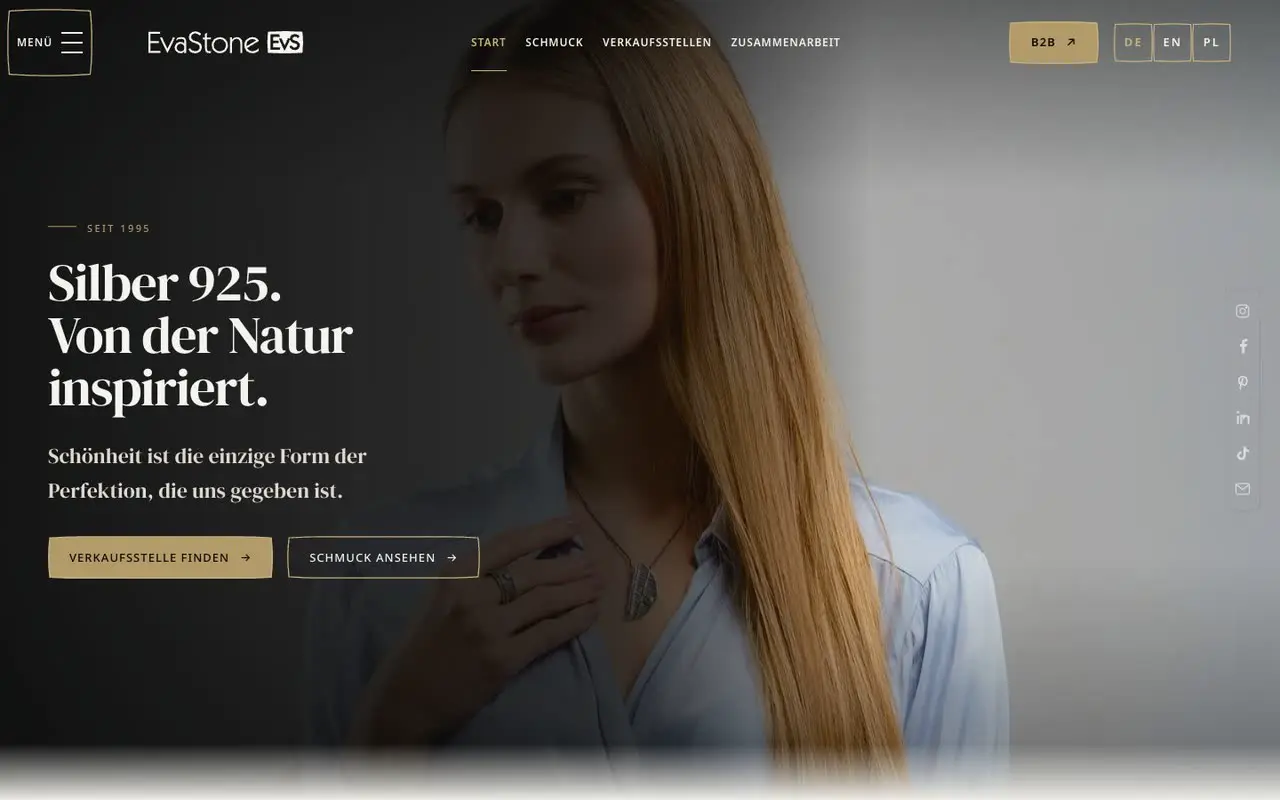
Project 01 · for a client
Eva Stone
Jewellery · B2B
Service areas in this project
- Strategy
- Website and shop
- Sales and marketing
- Automation
- CRM
What we implemented
- Brand website in three languages (PL / EN / DE): collection, workshop, trade fairs
- Map of stockists: country, region, city or postcode
- "Become a partner" form and contact form
- Ordering zone for jewellers: login, order list with statuses, search
- New order from the model gallery, with delivery address and notes
- Order status history, cancellation and PDF documents to download
- Wholesale prices visible only after the partner logs in
- B2B panel: catalogue with filters, EU / US / UK sizes, favourites, bestsellers, basket and pro forma invoice
- Downloadable materials for shops: photos, logo, catalogue and PDF product sheet
- Partner consent register with history
- List of trade fairs, split into current and upcoming
- Brand documents and graphics from Konik RevOS
Automations running for the client5
Partner order → status
- Trigger
A jeweller submits an order in the ordering zone
- Action
The order is saved in the brand's system with the status "pending"; the partner sees every status change in the list and in the order details
- Result
Wholesale orders in one place instead of emails and phone calls
Cancellation with a status check
- Trigger
A partner cancels an order
- Action
The system checks the current status and cancels only an order that has not gone into production
- Result
Orders already in production cannot be cancelled
Pro forma invoice from the basket
- Trigger
A partner confirms the basket in the B2B panel
- Action
The panel saves the order and creates a PDF pro forma invoice to download
- Result
The partner gets the pro forma straight away, without waiting for the sales team
The same system runs behind every case study_
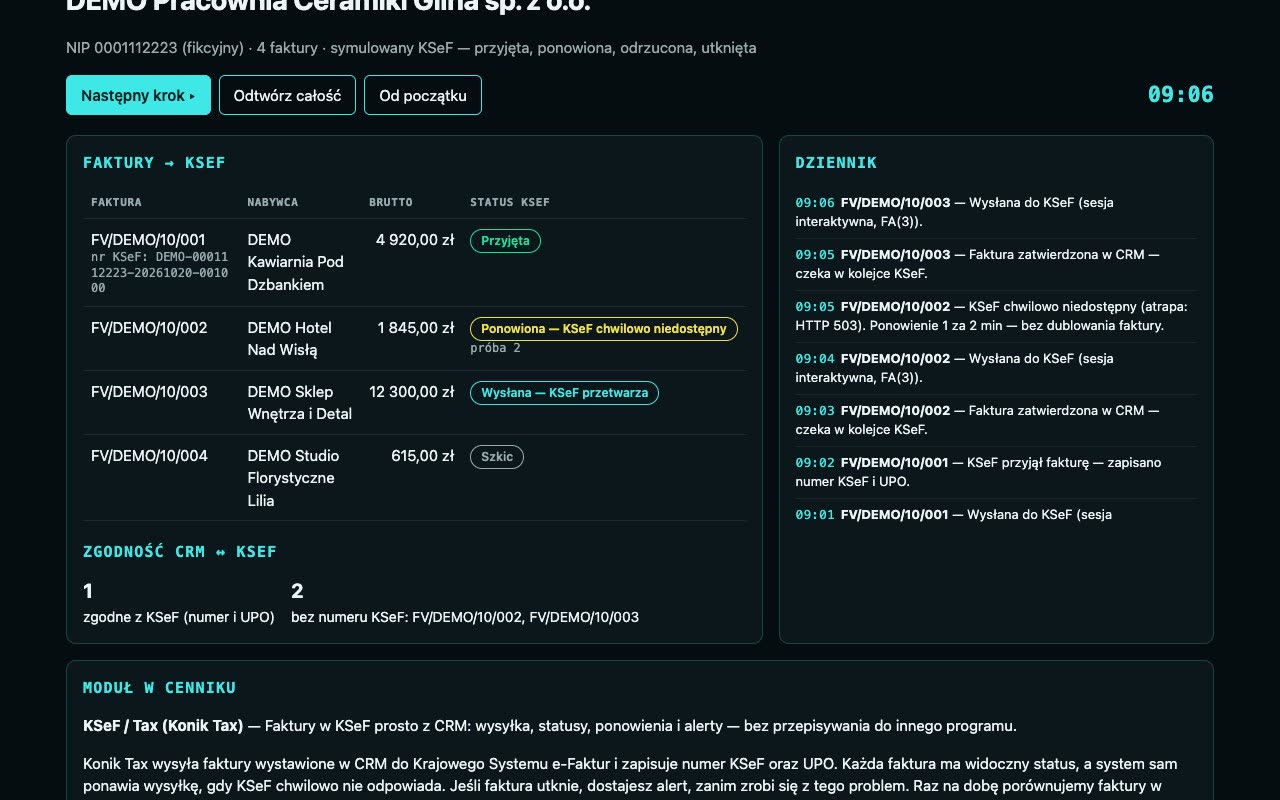
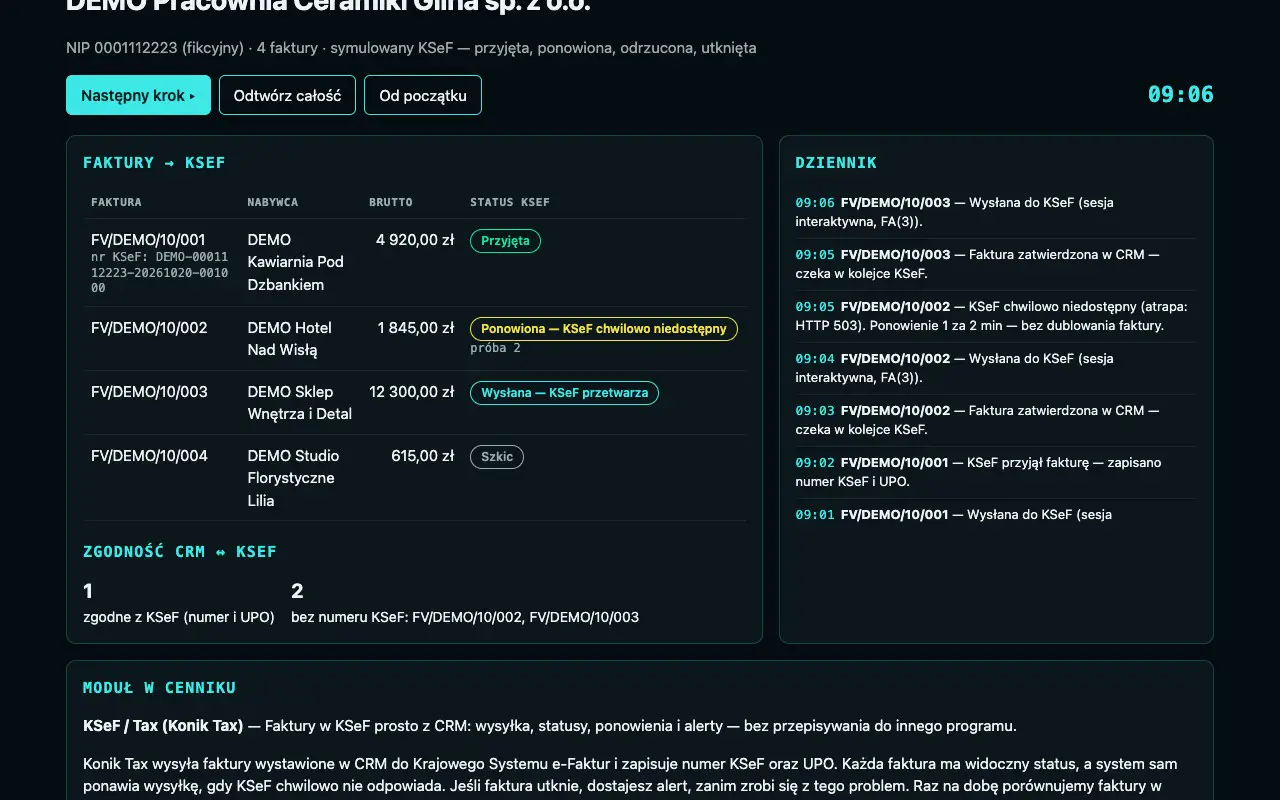
Campaigns in Konik RevOS, quotes from the price list, finance and invoices in Konik Tax with full KSeF (Poland's National e-Invoicing System) integration, enquiries in Konik CRM. Recorded in demo mode with fictional data.
Four Konik System modules in one video: a campaign in Konik RevOS, a quote from Auto-Quoting, invoices in Konik Tax and enquiries in Konik CRM, all on fictional data.
More recordings · 3
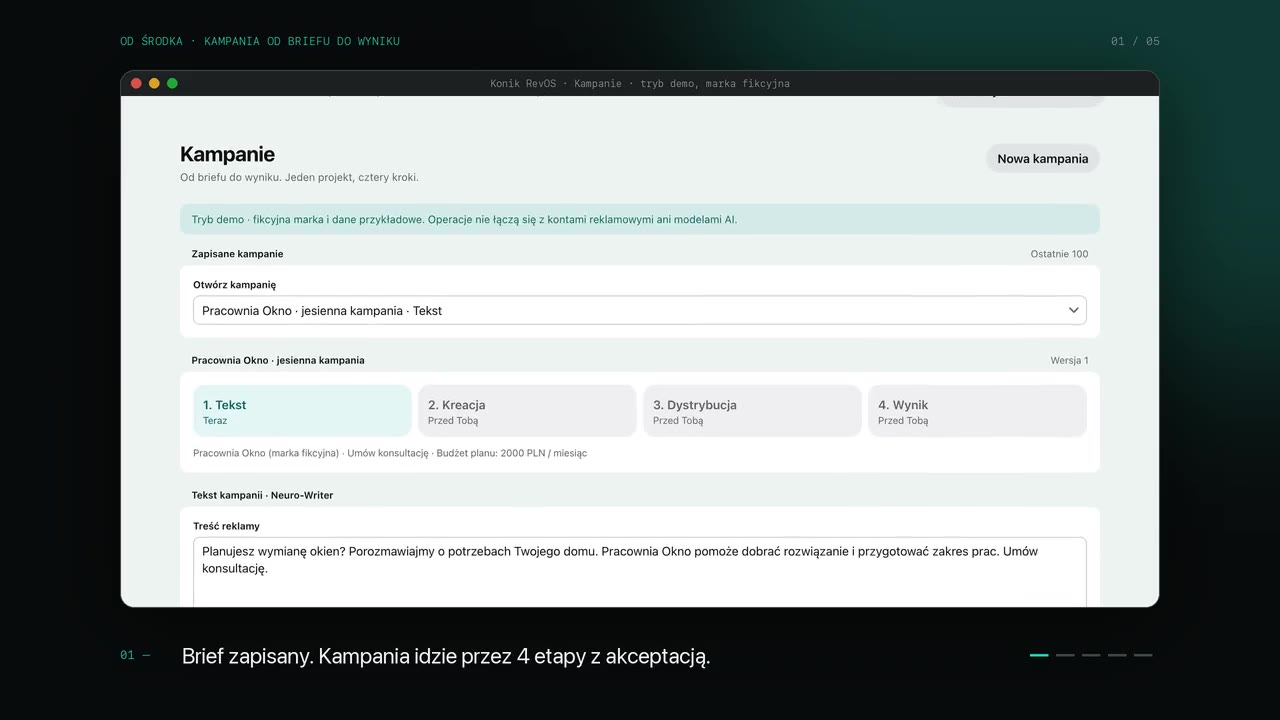 0:13 · loop
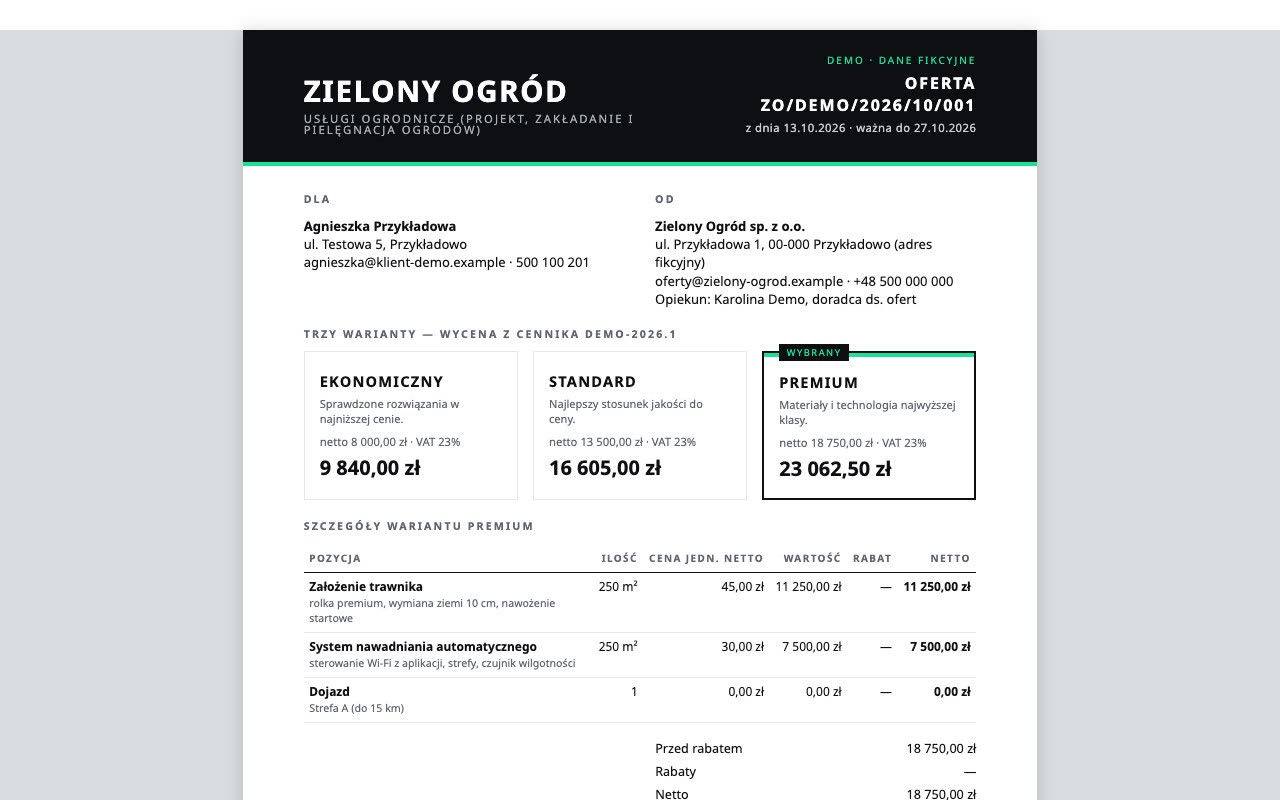 0:14 · loop
 0:20 · loop

Let's start with a Konik System Diagnosis_
A review of the processes and systems in your company, with a written recommendation. from €552 net (€678.96 gross), credited in full towards implementation.
Prices are shown net and gross (23% VAT). Not an offer (Article 66 § 1 of the Polish Civil Code). Only an individual offer or agreement is binding.